
Mobile app
Dealer Inventory Mobile App
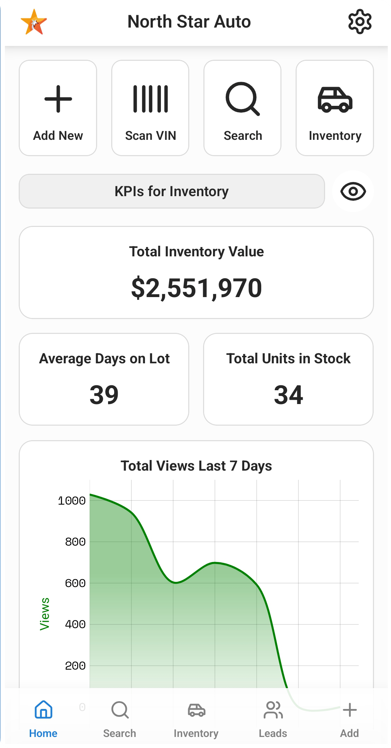
Scan a VIN, take the photos and add a unit from the lot. Browse and edit your listings and check your leads from your phone.
Android
Available now
iPhone
Coming soon
On the lot
Add a trade-in in a minute
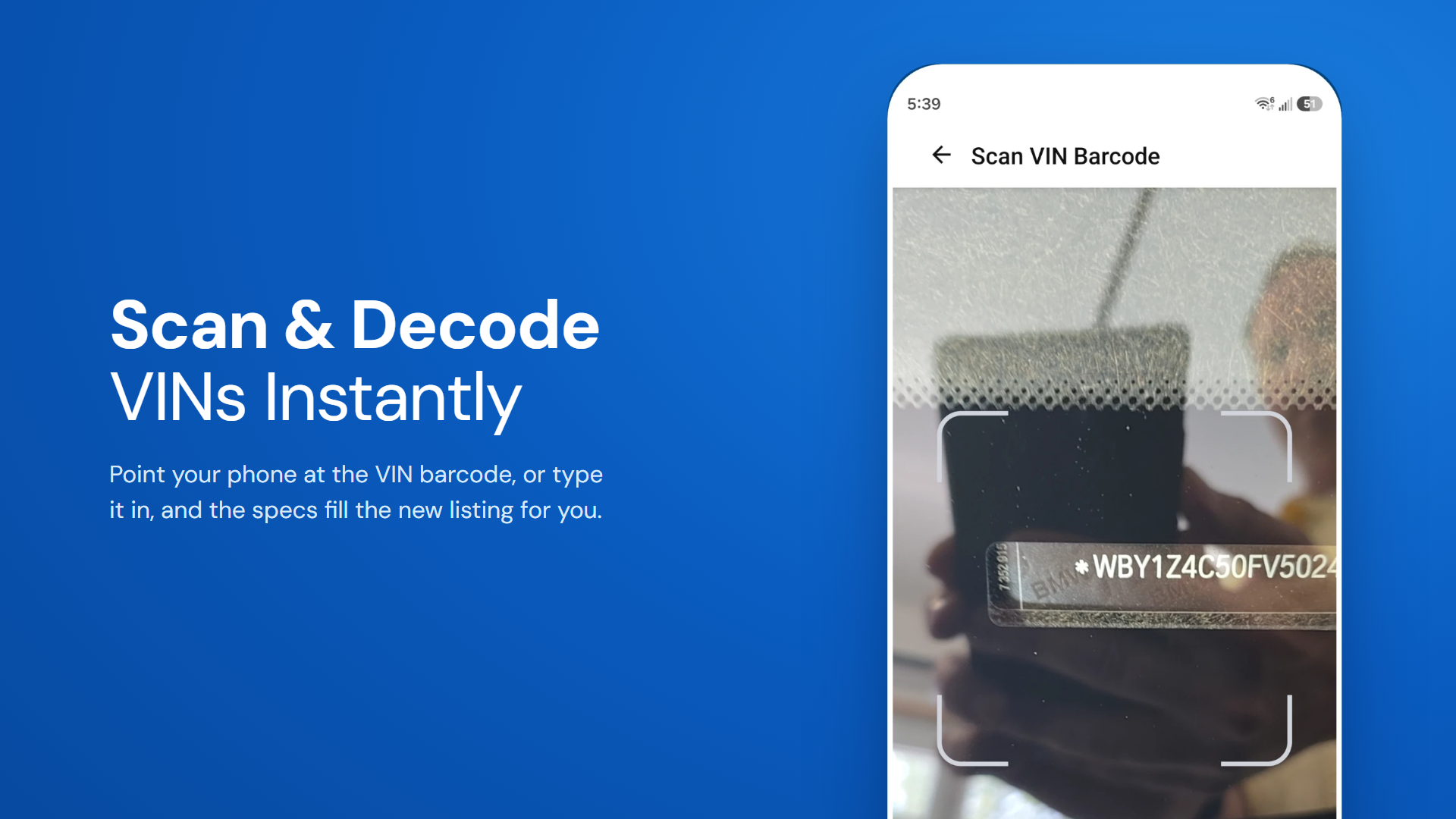
Scan the VIN barcode, take the photos and save the unit from your phone.
- Scan a VIN barcode to start a unit
- Capture text from a photo with OCR
- After you launch the app the first time, scan the QR code in your WordPress account and you can start managing, creating and adding listings
In the app
What you can do from your phone
Browse and search
Look through all your listings and search by any field.
Manage listings
Start a new unit with photos and details, or change a price, a status or a description on the spot.
Scan a VIN
Scan a VIN barcode to start a unit and let the specs fill in.
View your leads
See who has asked about your units, and check new leads while you are on the lot.
Availability
Get the app
The app is included in Pro. On Starter and Standard, add the app connector for $25 a month. The Android app is available now on Google Play, and the iPhone app is coming soon.
Frequently Asked Questions
Mobile app questions
Is there an iPhone app?
The iPhone app is coming soon. The Android app is available now on Google Play.
How do I connect the app to my site?
Scan the API key QR code from your site in the app.
What does the app cost?
The app is included in Pro. On Starter or Standard, you can add the app connector for $25 a month. See pricing.
What can I do in the app?
Browse and search listings, create and edit them, scan a VIN barcode to start a unit (VIN decoding), capture text from a photo and view your leads (Leads and CRM).
Have another question?
Ask us about your inventory, setup or plans.
Get started
Run your lot from your phone
Scan a VIN and add a unit in a minute.
Your data stays on your WordPress site, and your layouts stay yours to change.